[Template] Blog Post Title
This is the introductory paragraph. You can start introducing the topic of your blog post here. Below, we'll demonstrate how to insert a link, code snippets, and an image with clean retro styling.
For highlighting important external links or references, you can use the class
highlight-link. For example, here is a link to Example Website for reference.
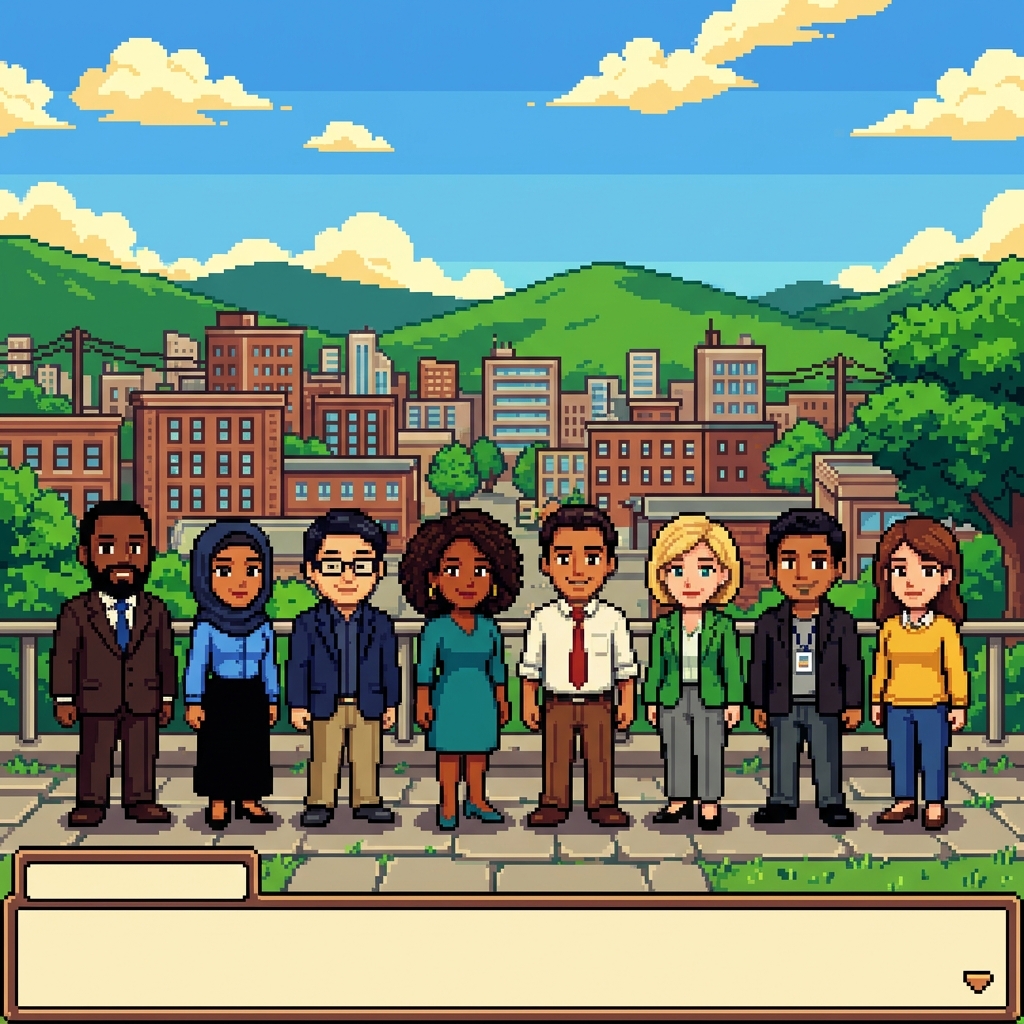
Here is another paragraph of text following the image. The image automatically styles itself with a retro card border matching the terminal theme.
Section Heading
You can add section headings using the <h2> element to structure your content.
Text will automatically wrap and scale properly on both mobile devices and desktop views.
Another paragraph can go here. Feel free to duplicate paragraphs, insert links, or add more images as needed using the structure provided in this file.